
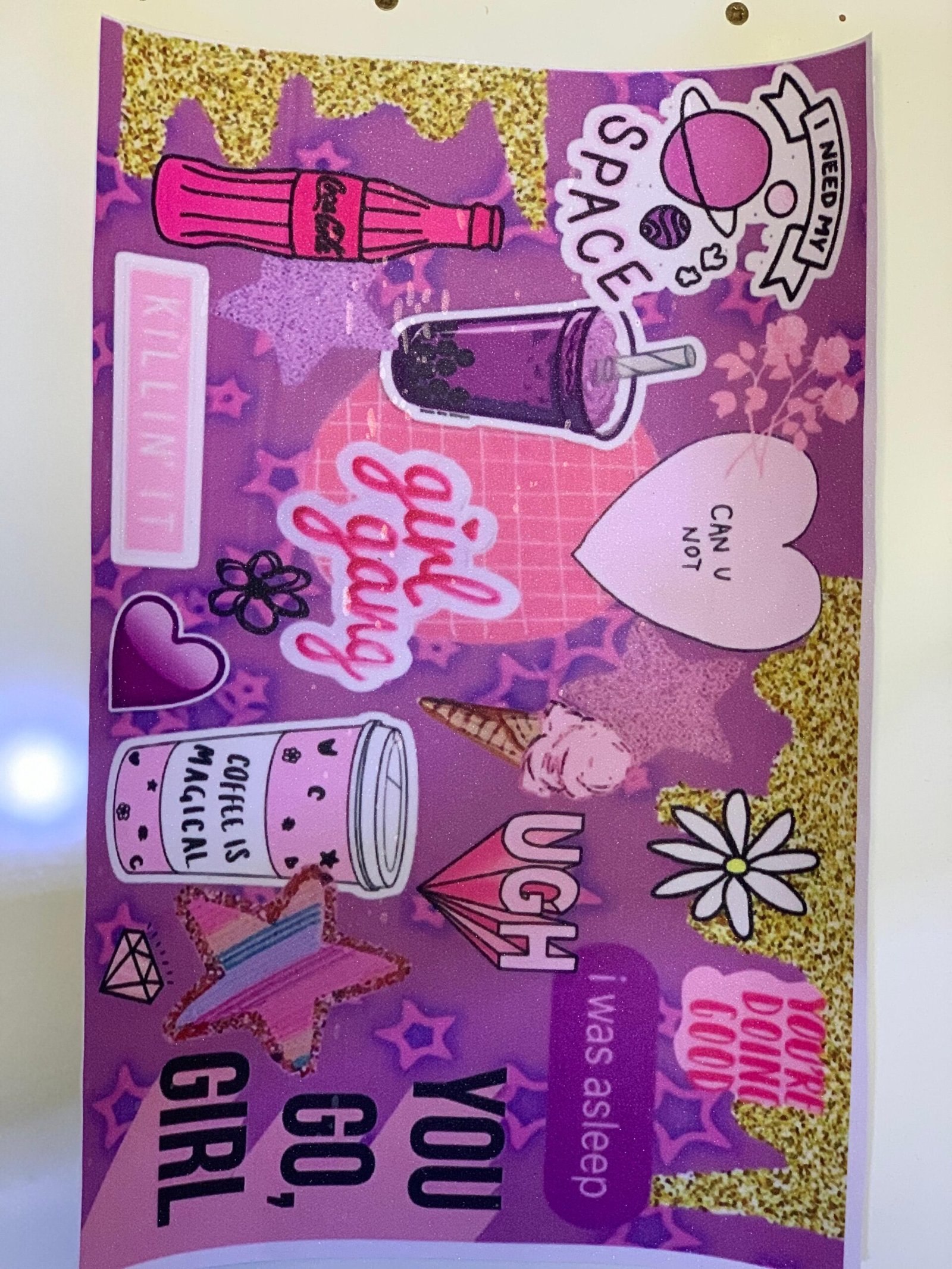
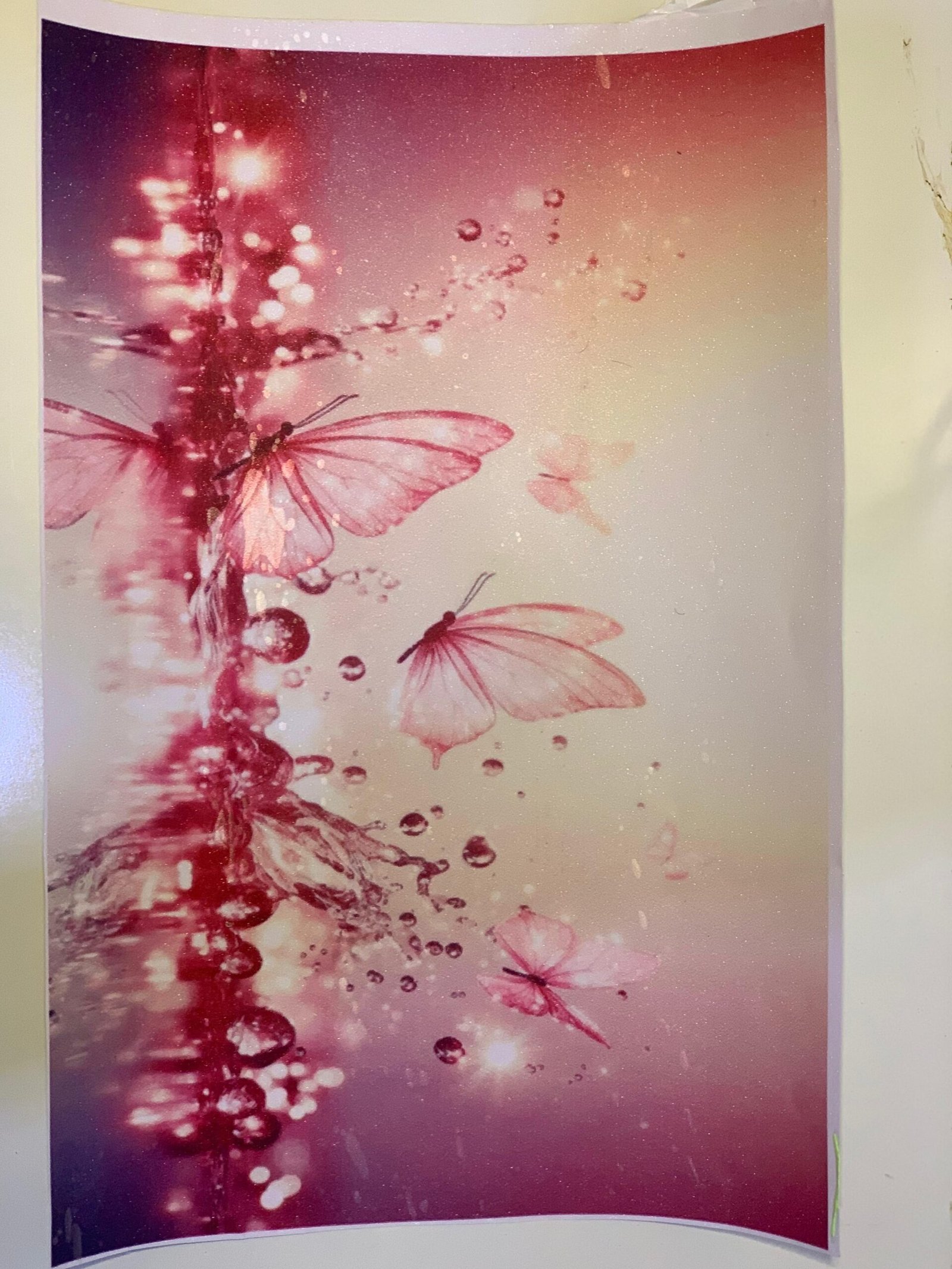
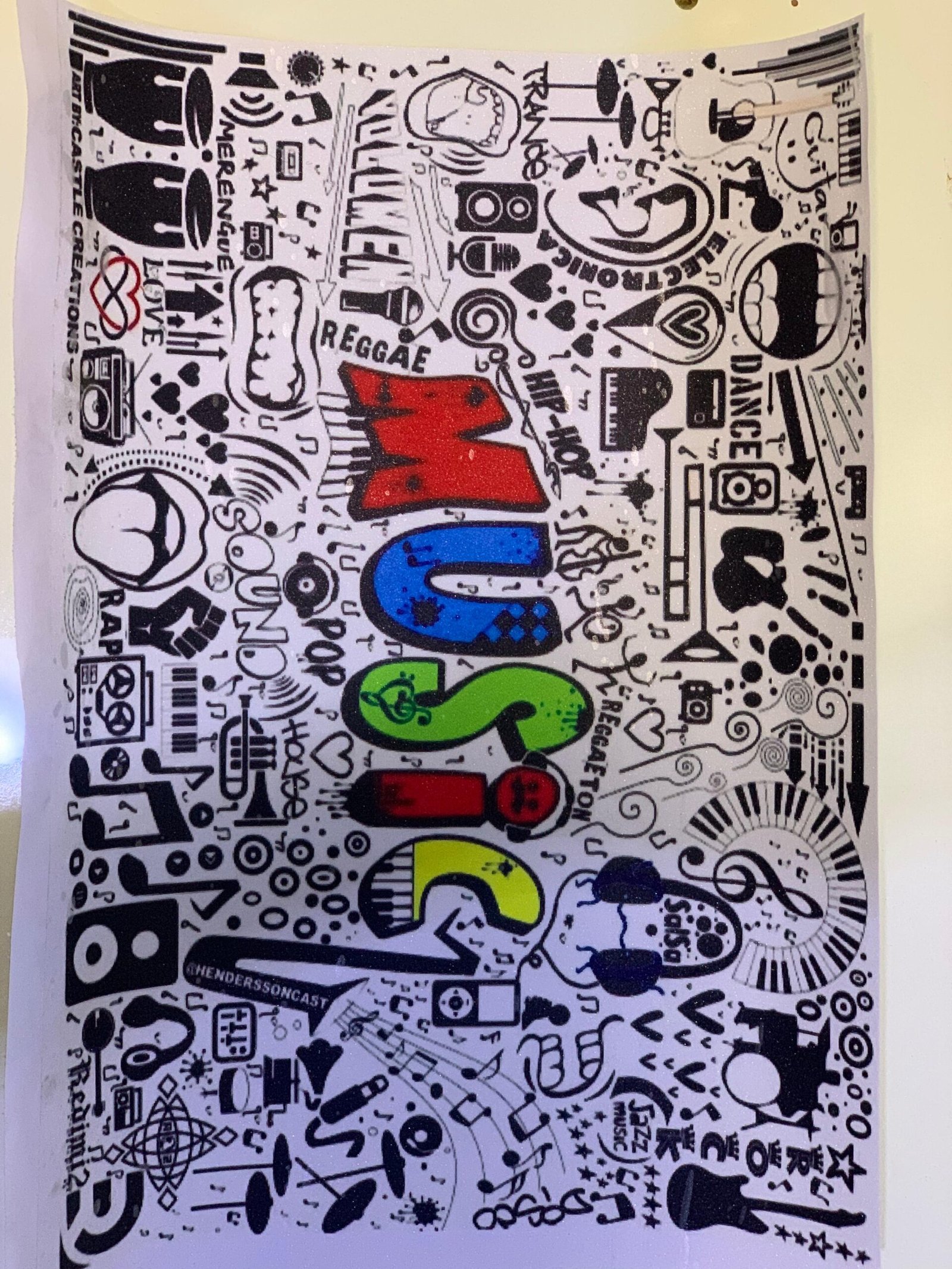
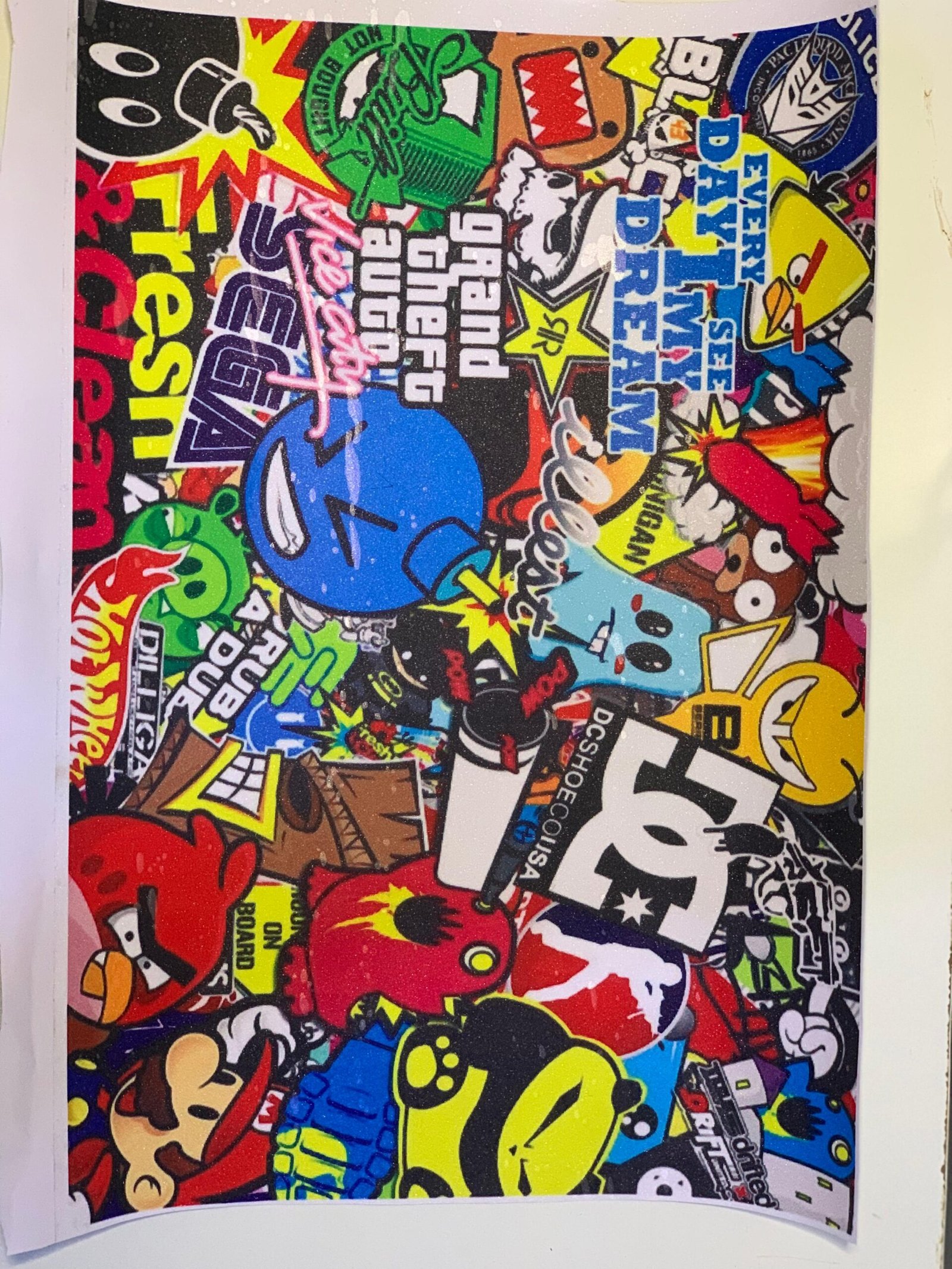
Key Features
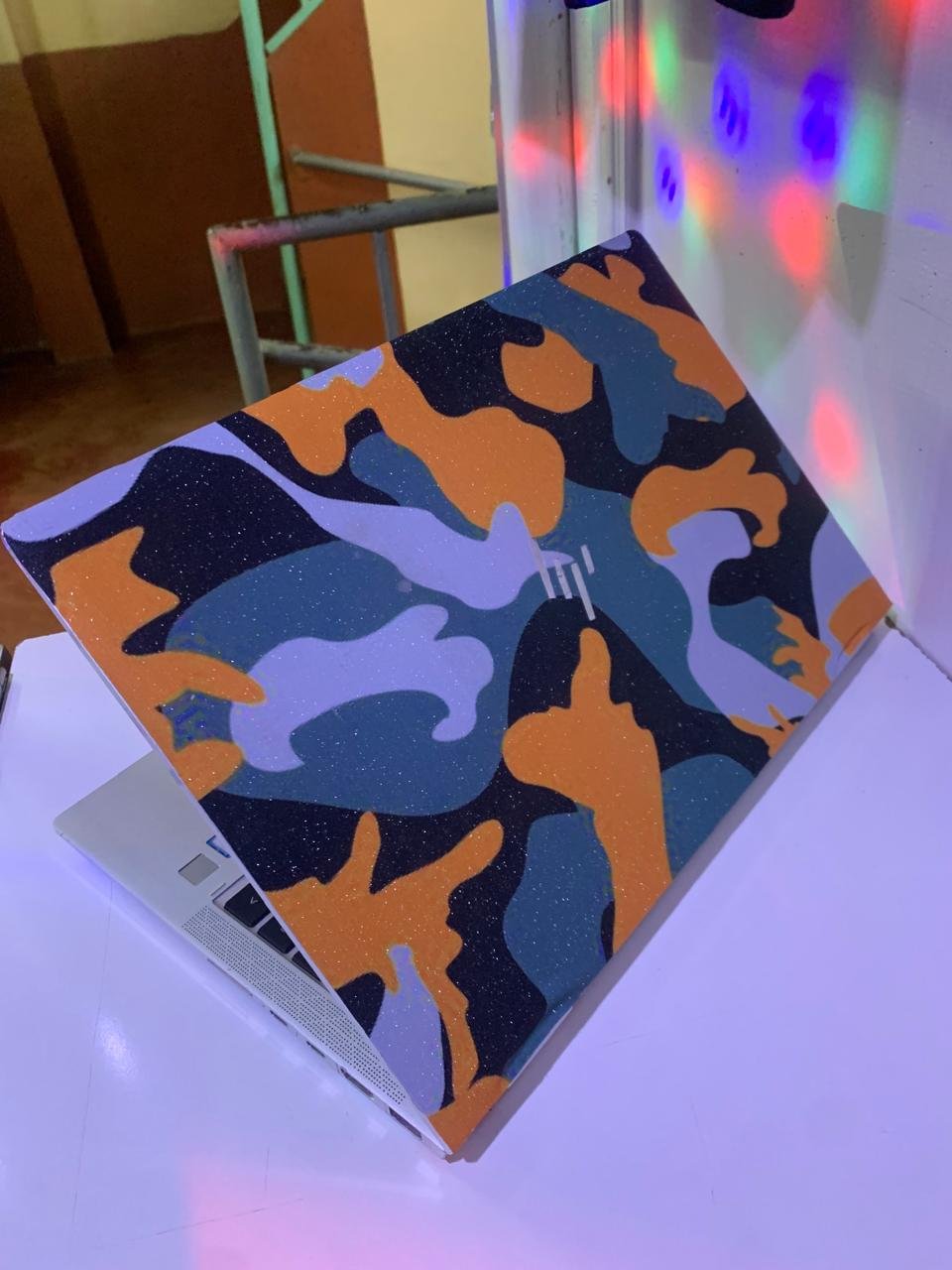
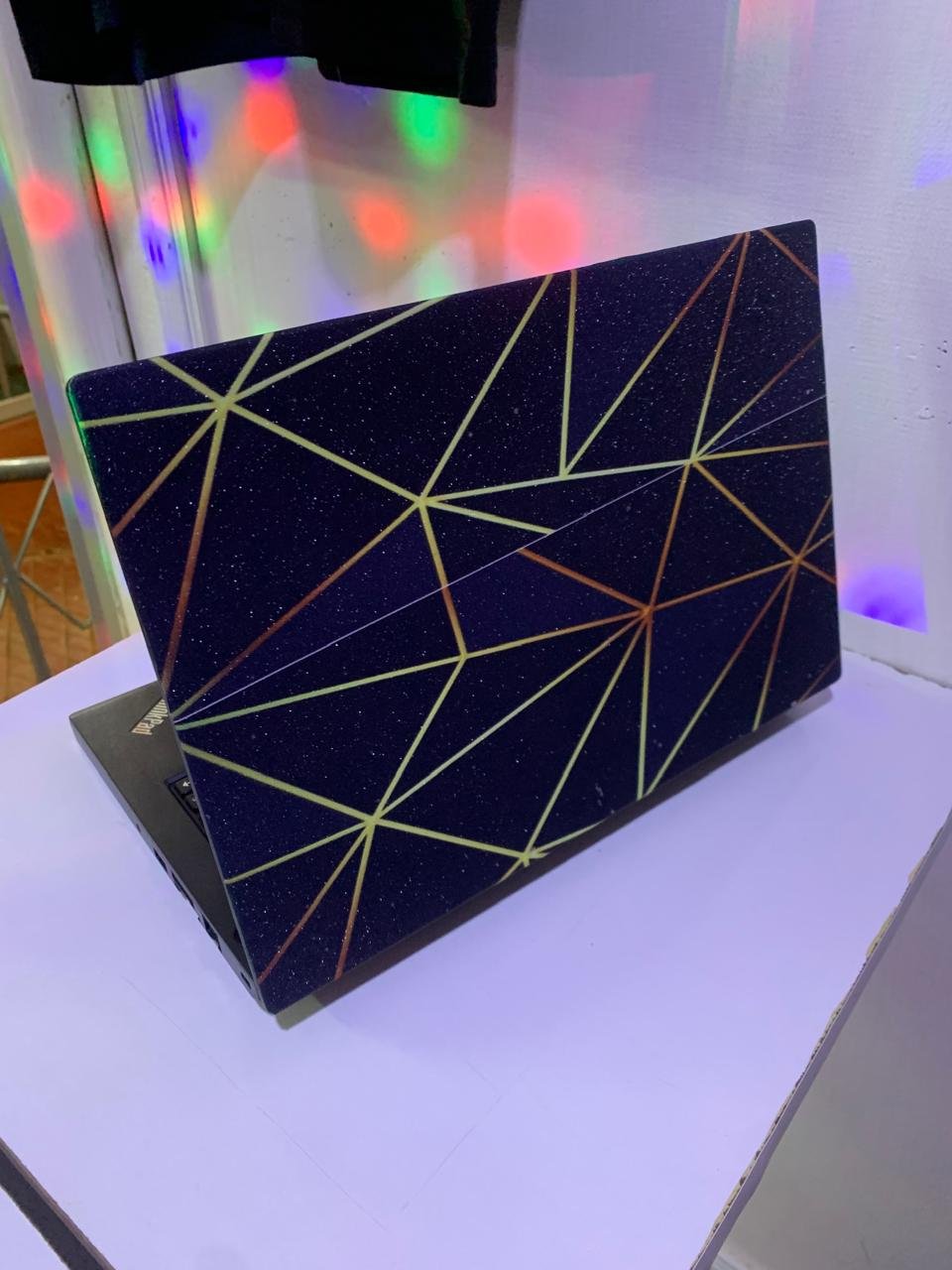
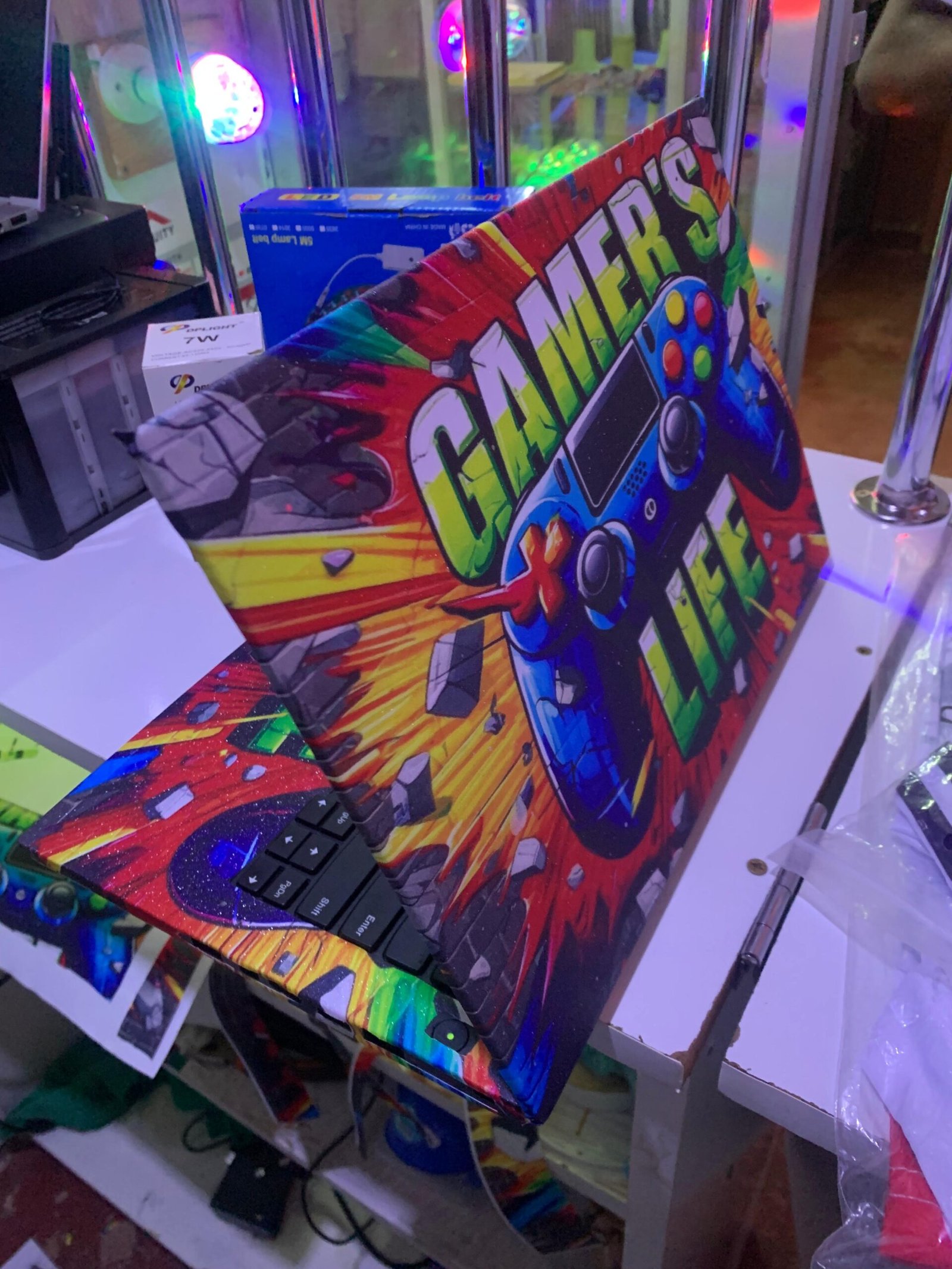
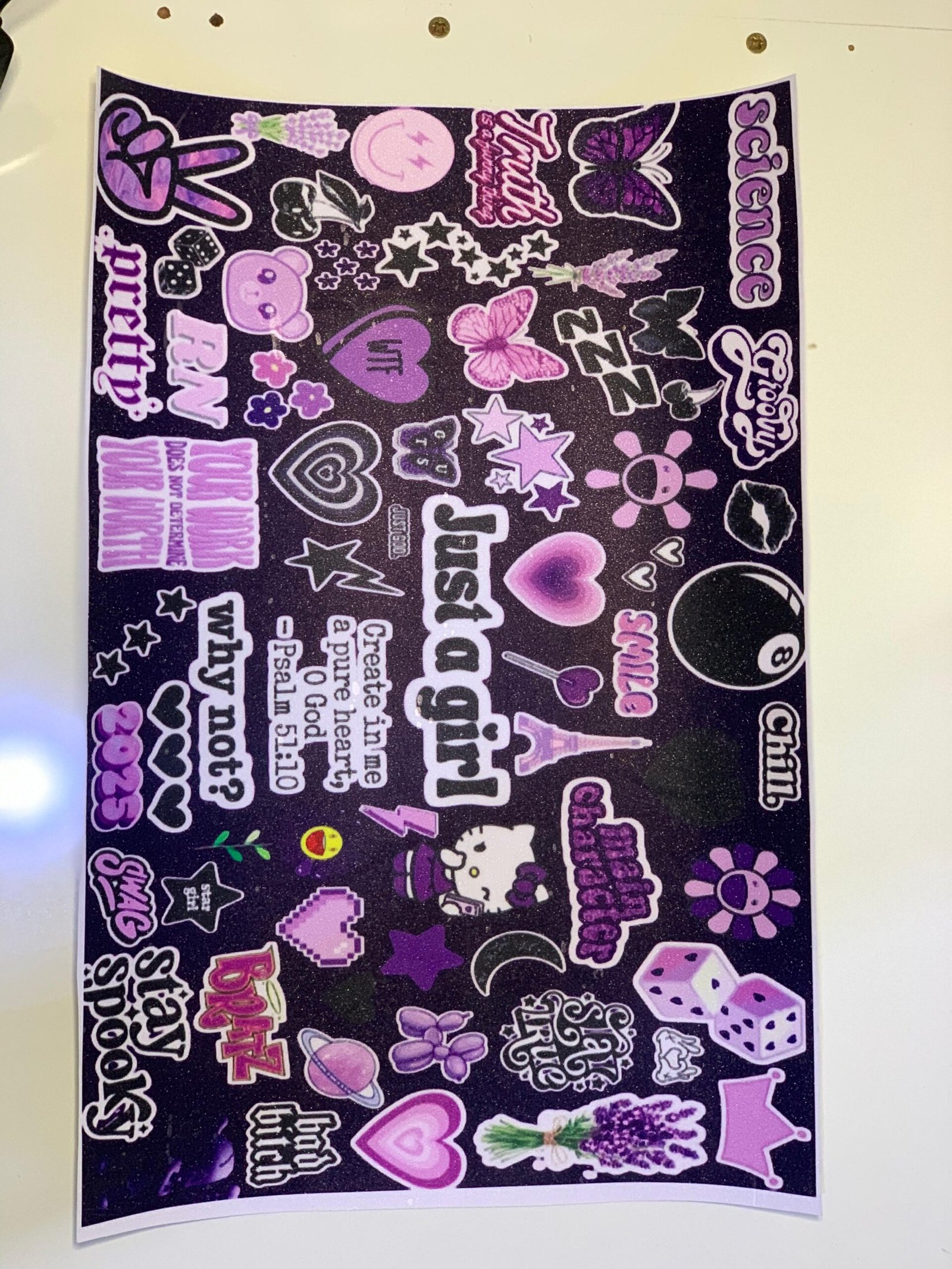
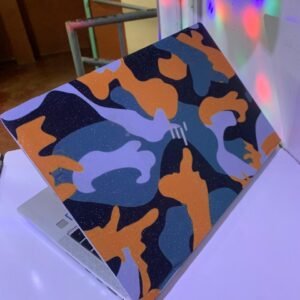
The laptop sticker. high quality printed and make’s your laptop look so fancy and so beautiful…make sure before you order you go to YouTube and know to custom a laptop sticker to your laptop:
PROCEDURE
- Remove the sticker from its back plain mat material.
- Peel one edge of the skin back and stick it to one edge of your laptop.
- Slowly peel the back of the skin away while smoothing it down with a straight edge.
- Carefully use a small squeezer to squeezy all the service where you just sticked our sticker.
- Use a lighter to make the sticker take perfect edges of the laptop, burn carefully on the edge you want to fold on the laptop shape, using your finger fold slowly to the the shape.
- Using a scalpel cut nicely the unwanted part from the edges of the laptop.
KEYBOARD PART
- Slowly peel the back of the skin away while smoothing it down with a straight edge.
- Carefully use a small squeezer to squeezy all the service where you just sticked our sticker.
- Using the lighter apply slowly looking for cutting edges on the keyboard service of the laptop.
- Use the the NEW sharp cut slowly through the cut edges found.
- Apply slight warmth using the lighter to accelerate the sticking.
BELOW IS SOME LINKS ON HOW TO PLACE THE STICKER
- https://youtu.be/AyOJprYOa18 – keyboard surface
- https://youtu.be/k317HVLOxmw – back panel
What’s in the box
LAPTOP STICKER SKIN
Specifications
- SKU: GE840EA4BQTU0NAFAMZ
- Model: LAPTOP STICKER
- Production Country: Kenya
- Size (L x W x H cm): LxWxH: 40 x 28 x 1 Centimeters
- Weight (kg): 0.3
- Certifications: Eco Friendly
- Main Material: VINYL
Reviews
There are no reviews yet.